Every ad size.From one creative.
Upload your ad images or make new ones with AI, pick the sizes you need, and download them all in one zip. Do it yourself, or hand it to your AI agent over MCP. BannerSwipe crops where it can and uses AI to extend the picture where it can't, so nothing gets squashed or cut off.
Built for humans and agents. BannerSwipe is an MCP server, so Claude, ChatGPT or your own agent can make every size for you. Anything that spends credits waits for your OK. Connect your agent
Landscape
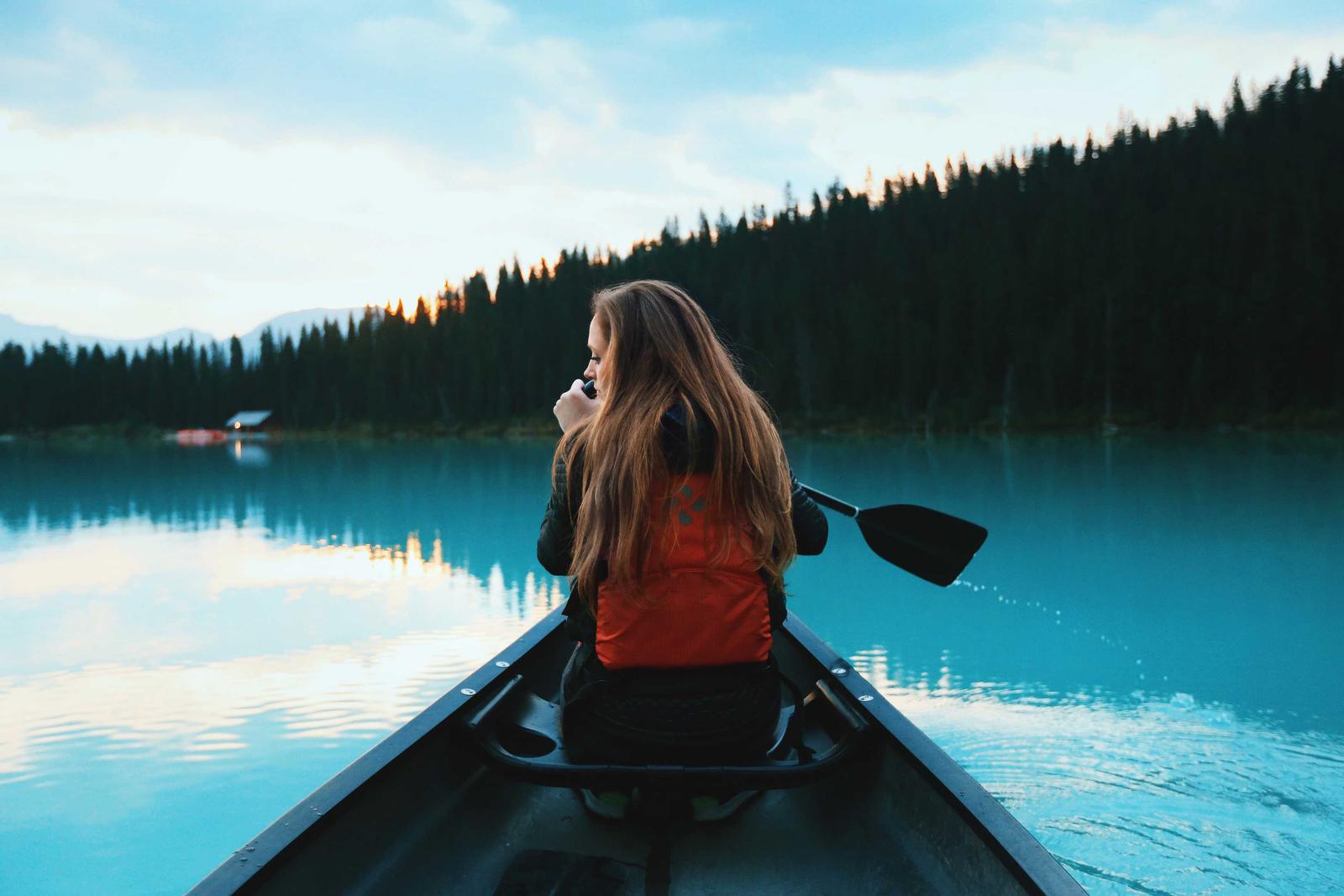
Wide
Portrait
See it work
One minute, start to finish.
Watch a campaign go from one photo to every ad size: smart crops, AI fill, fixes, new images, approvals from your AI app and one zip at the end.
MCP server
Built for humans and agents.
Everything you do in Creative Studio, your agent can do over MCP. Connect Claude, ChatGPT or any MCP client, then ask for what you need. It works in the same studio, with the same sizes and the same credits.
Let your agent do the busywork.
- Start a batch and add images from a link
- Pick size packs and check the cost before anything runs
- Make every size, fix a spot or sharpen an image
- Go back to any version, then send you the zip
Connect in a minute
https://app.bannerswipe.com/api/mcp- Add the URL as a custom connector in Claude or ChatGPT, or to any MCP client.
- Sign in to BannerSwipe once and allow access. No API keys to copy.
- Ask: “Make every IAB size for these three creatives and send me the zip.”
create_batchStarted the batch “Spring ads”add_creativeAdded 3 images from your linksestimate_costChecked the cost of 10 IAB sizes eachYour AI app wants to make 30 sizes for “Spring ads”.
One studio for both of you
Everything your agent makes shows up in Creative Studio, where you can check it, change it or go back a version.
You approve the spend
Making sizes, fixes and sharpening wait for your OK in BannerSwipe. Looking around, checking costs and adding images are free.
Works with any MCP client
Claude, ChatGPT and any client that supports MCP with OAuth sign-in. Disconnect any of them from Creative Studio at any time.
What it does
Make the images, then every size.
Start from your own photos, or have AI make new ones. Then BannerSwipe crops, extends, fixes and sharpens them on all your sizes at once, without opening a design app.
Get the images
Create
No photo yet? Describe the picture you want, or pick a starting idea like a product shot or a coffee moment. AI makes up to four at a time, and you keep the ones you like.
Variations
Got an ad that works? Get fresh versions of it to test against each other. Choose how close to the original they should stay, from small changes to a whole new scene.
Fit every size
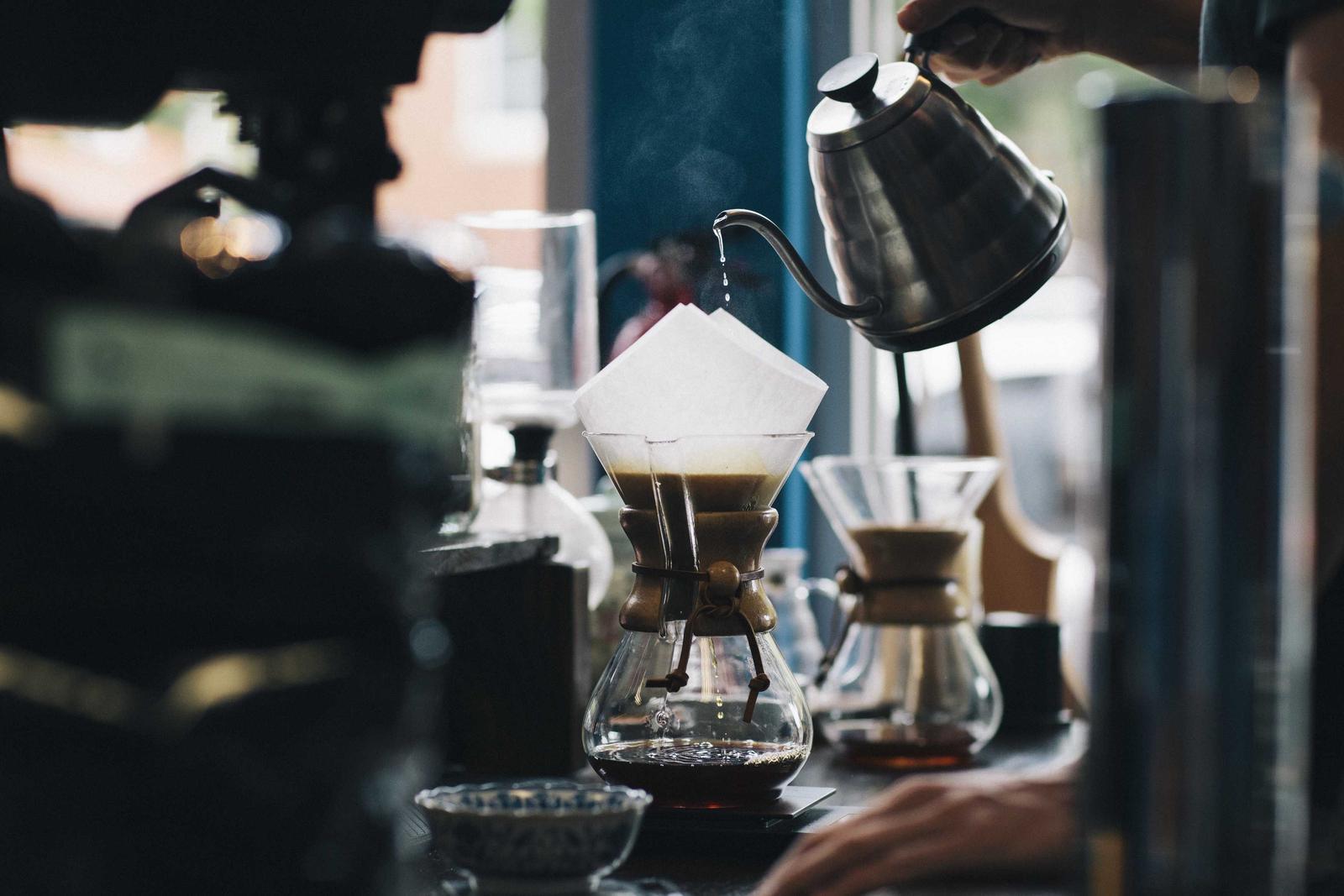
Crop
Cuts your image to the exact size you need. It finds the main subject first, so the important part stays in.
Extend
When a size is a very different shape from your photo, AI adds more background around it instead of cutting it. You can say what to add.
Fill
Paint over a logo, an old price or anything else. Type what should go there, or leave it blank and it gets removed.
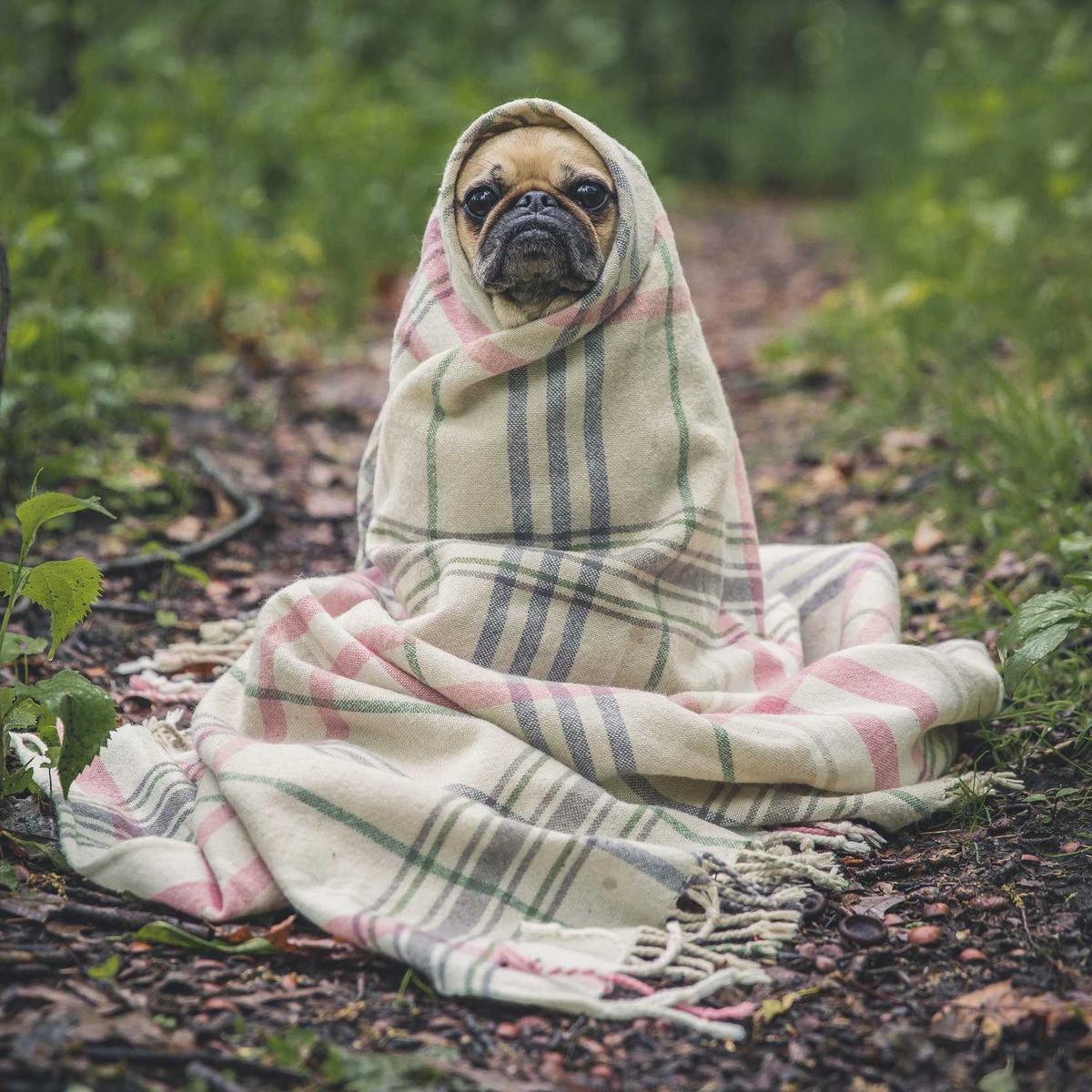 BeforeSharpened
Sharpen
Brings back detail in small or soft images. On an original it can also double the resolution.
How it works
Add images, pick sizes, download.
There are no templates to set up and no layers to export. If you can drag a file into your browser, you can make a full set of banners.
Add your images
Upload as many as you like, up to 25 MB each, or describe one and let AI make it. BannerSwipe finds the main subject in each image.
Pick your sizes
Turn on a pack or type in your own sizes. Each one shows a free preview, so you can check it before you pay.
Make them and download
Crops are ready in seconds and AI sizes follow in the background. Download everything as one zip.
The details
Made for doing this every week.
Resizing one image is easy. Doing it for every image in every campaign is where the hours go. This is what helps.
It crops when it can and extends when it has to.
If a size is close to your photo's shape, it just crops it. If it's very different, like a wide 728×90 from a square photo, it crops a little and AI fills in the rest of the background.
- Pick Smart, Crop only or Expand only, for all sizes or just one
- Set how much it may crop before AI takes over
- Tell the AI what to add, like "more sky"
Remove or replace anything.
Paint over the part you don't want, like a logo, an old price or a watermark. Type what should be there, or leave it empty to remove it. Fix the original and every size is made again from the clean version.
- Fix one size, or the original and all of its sizes
- Same template on every image? Fix the same spot on all of them in one go
- Undo strokes and repaint before you spend anything
Check every size before you pay.
As soon as you pick a size, you see a preview with your real image, framed just like the final file. The blurry part shows where AI will add background. Previews don't use credits.
- The final file uses exactly the framing you see
- Drag the frame on any size to change what's in it
- If a size fails, your credits come back automatically
Change lots of sizes at once.
Select as many sizes as you want and change them together, for one image or for all of them.
- Switch them to Smart, Crop only or Expand only
- Reframe them one by one, or use one framing for all
- Sharpen, download or delete the whole selection
Your work is never overwritten.
Every change is saved as a new version. If you don't like a result, go back a step and try again. Nothing is lost.
- Every step is kept: original, extended, fixed, sharpened
- Go back to any earlier version and edit from there
- Turn any version into a new image with its own sizes
Download it all in one zip.
Each file comes out at the exact size you picked. Get a folder for each size, ready to upload to your ad network, or a folder for each image.
- Exact pixel sizes, saved as high-quality JPG
- Download everything, one image, or just what you selected
- You always get the newest version of each size
Sizes
All the usual ad sizes, ready to go.
Turn on a pack and every size in it is made for each of your images. Need a size that isn't here? Type it in, up to 4096×4096, and save your list for next time.
IAB Display10
Native & Push7
Social5
Mobile & Interstitial5
Pricing
Simple monthly plans.
Each plan gives you a set number of credits every month. A crop costs 1 credit, anything that uses AI costs 5, and previews are free. Pay by card and cancel anytime.
Starter
For trying it out and small batches.
Creator
For running campaigns every week.
FAQ
Questions people ask.
Will my images get stretched?
No. Every size is either cropped, or cropped a little and extended with AI. Your image is never squashed or stretched to fit.
What about text or a logo in my image?
BannerSwipe treats your creative as a picture. It doesn't move text around. A crop can cut off text near the edge, so for those sizes pick Expand only, or drag the frame to keep the text in. To get rid of a logo or an old price, use Fill.
Can it make images from scratch?
Yes. Describe the picture you want, or pick a starting idea, and AI makes up to four at a time for 5 credits each. You can also make new versions of an image you already have. Keep the ones you like and they get every size, just like an upload.
Can my AI agent do this for me?
Yes. BannerSwipe is an MCP server at https://app.bannerswipe.com/api/mcp. Add it to Claude, ChatGPT or any MCP client, sign in once, and your agent can start batches, add images, make sizes, fix or sharpen them and send you the zip. Anything that spends credits waits until you approve it in BannerSwipe.
Is there a free plan?
No. You need a plan to upload images. Plans start at $19 a month, previews don't use any credits, and you can cancel anytime.
Which files can I upload?
Common image files like JPG, PNG and WebP, up to 25 MB each. You can upload as many as you like.
How long does it take?
Crops are ready in a few seconds. AI sizes take longer. They run in the background, so you can keep working while they finish.
What if a size fails?
You get the credits back automatically, and you can try that size again.
Do unused credits roll over?
No. Your credits go back to your plan's amount at the start of each month.
Can I use it for any kind of image?
Any image you have the right to use in ads. Adult content isn't allowed and gets blocked.
Can I cancel?
Yes, anytime, from your account. Your plan keeps working until the end of the month you've paid for.
Stop making banners by hand.
Upload one image and see every size it can become before you spend a credit. Or hand the whole job to your agent.